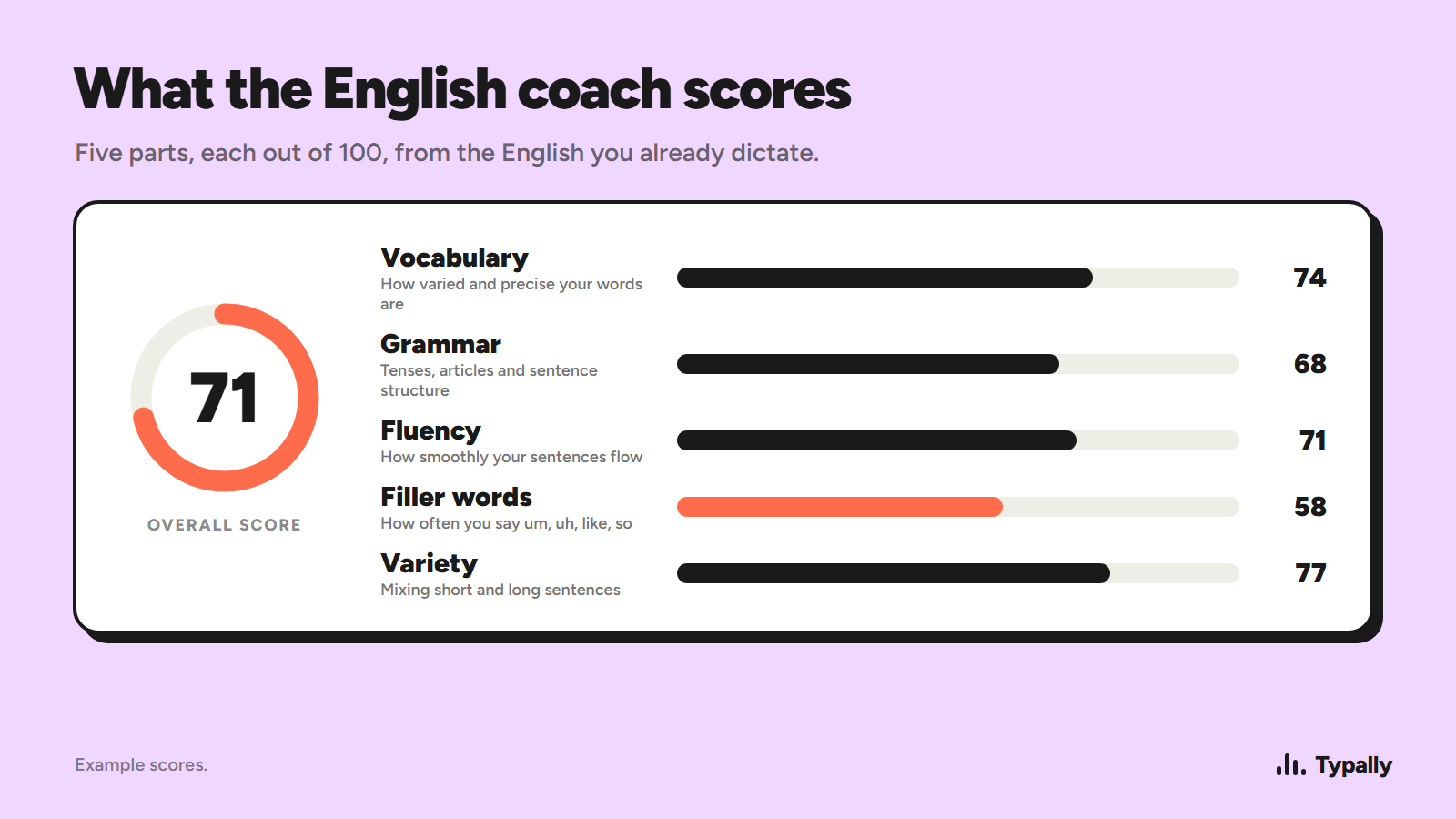
An app can score a word and still miss the rhythm that makes a sentence sound natural. These 10 English pronunciation apps take different paths, from AI feedback to coach-led practice. Typally is a separate option for turning speech into clean text and building English habits while you work.
We pulled the current Apple App Store rating and rating count for seven pronunciation apps here. ELSA Speak leads with a 4.8 star average from 113,000 ratings, more than double BoldVoice's 54,000 at the same 4.8 score. Pimsleur sits at 4.7 from 30,000 ratings, and Speakometer, Speechling, Forvo Pronunciation Guide and Fluent Forever each show 2,100 ratings or fewer. No other app combines ELSA Speak's top rating with its review volume, backing it as the strongest pick for pronunciation feedback.
Table of Contents
- ELSA Speak: detailed AI pronunciation feedback
- BoldVoice: video lessons for accent clarity
- Speakometer: focused pronunciation practice
- Speechling: recorded practice with coach feedback
- Practice Me: AI conversation practice for everyday English
- Pronounce AI: AI-supported English pronunciation practice
- Pronuncian English Pronounce App by Loc Nguyen: text-based pronunciation help
- Forvo Pronunciation Guide: hear words spoken by real speakers
- Fluent Forever: spaced-repetition vocabulary practice
- Pimsleur: structured listening and speaking lessons
- How do the English pronunciation apps compare?
- Which English pronunciation app questions do learners ask?
- Conclusion
1. ELSA Speak: detailed AI pronunciation feedback
ELSA Speak is an AI-powered English learning app with pronunciation, speaking, and fluency practice. It suits learners who want feedback in a broader English study plan, rather than a tool that checks only single sounds.
A score can help you spot a sound, but it may not explain every part of natural speech. Stress and rhythm matter too, so listen critically to feedback and practice speaking in context.
ELSA has free access and paid subscription plans. Prices and available features can change by region, so check the in-app offer before you commit.
2. BoldVoice: video lessons for accent clarity
BoldVoice is an accent training app for non-native English speakers. It helps users speak clearly and confidently, with video lessons from Hollywood accent coaches.
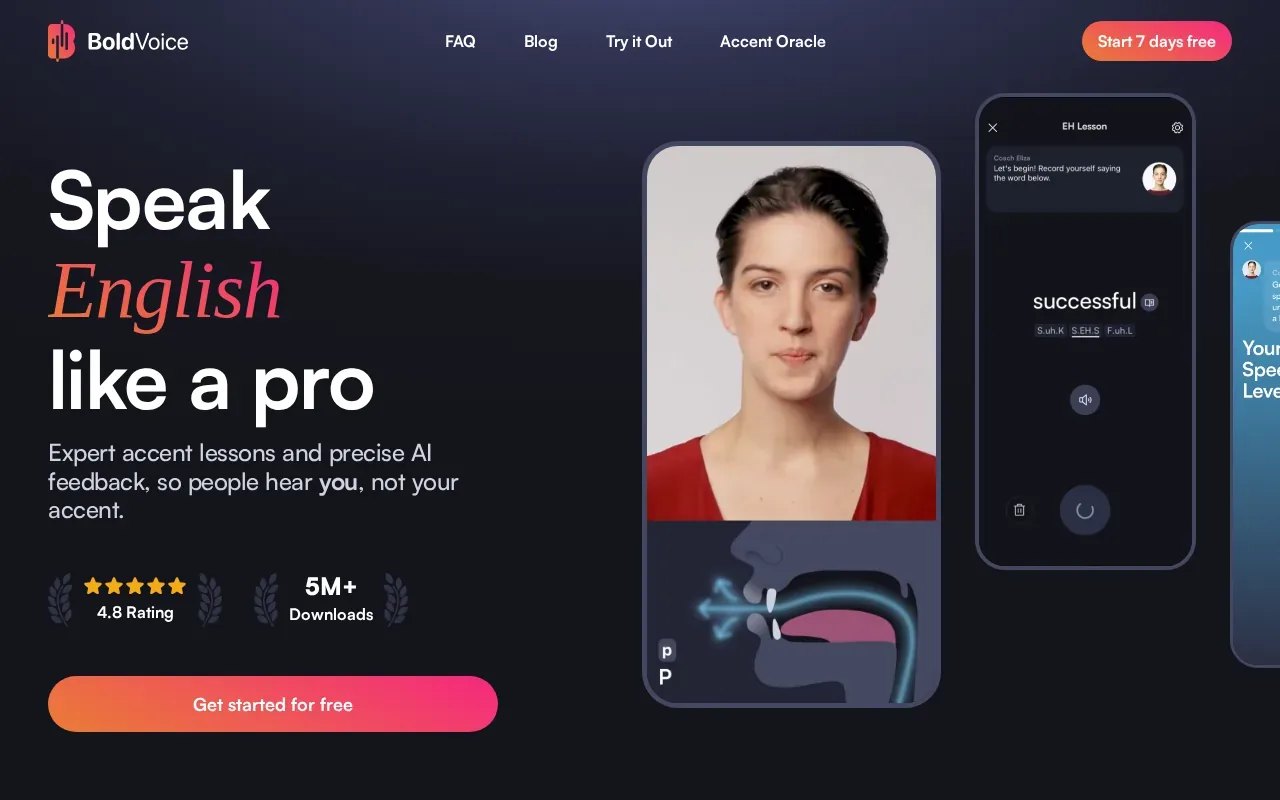
Users learn with coach-led video lessons and get instant feedback as they speak. This gives you demonstrations alongside feedback while practicing your English accent.
BoldVoice focuses on accent training. Its lessons and speaking feedback are designed to help non-native English speakers work on speaking clearly and confidently.
Choose it if you want video lessons from accent coaches and instant feedback as you speak.
3. Speakometer: focused pronunciation practice
Speakometer is an option to consider when comparing English pronunciation apps. Before choosing an app, decide what you want to improve: individual sounds, word stress, or speaking clearly in full sentences. These are different practice goals, so check the app’s current features and examples against your needs rather than assuming its name tells you how practice works.
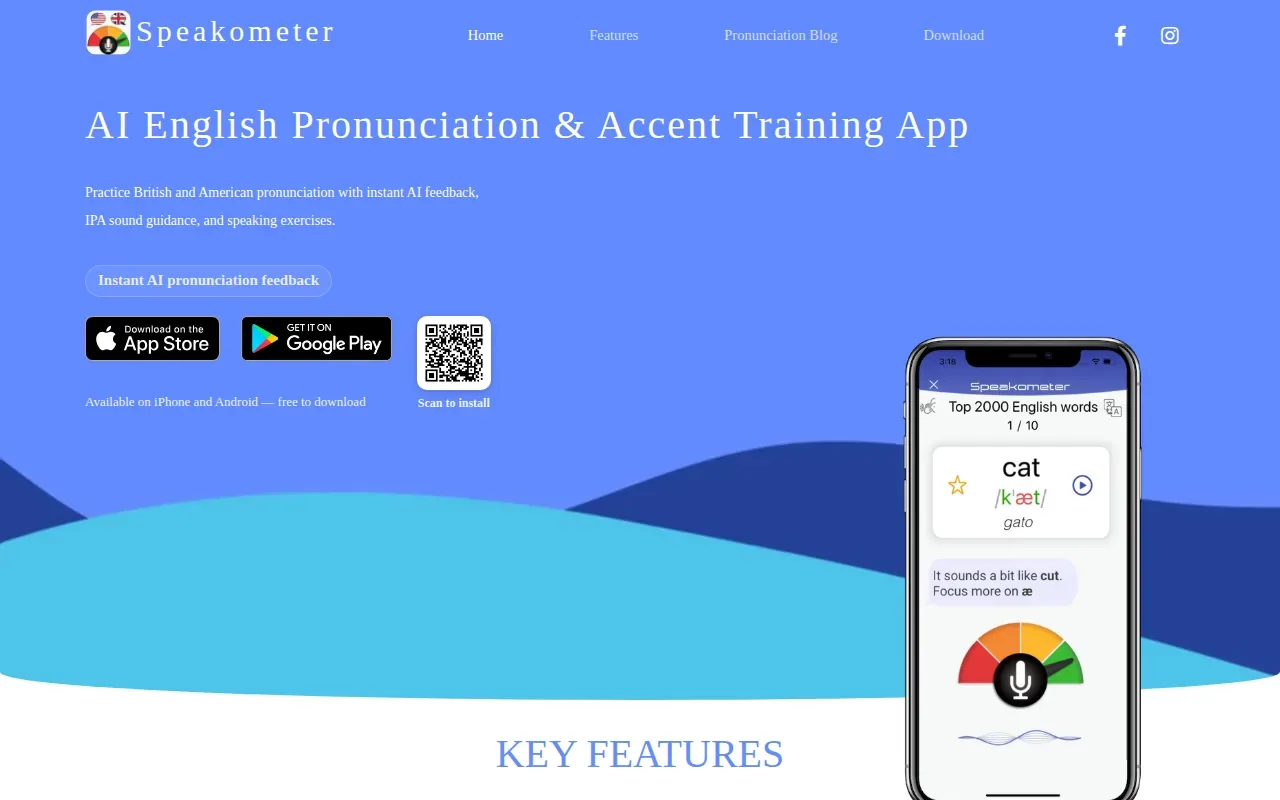
IPA, or the International Phonetic Alphabet, uses symbols to show how sounds are spoken. If an app uses IPA, consider whether those symbols help you understand the sounds you want to practice. When comparing examples, listen for the pronunciation differences that matter to your goals.
Choose a routine you can stick with, and focus on one speaking goal at a time. Check the app’s current information before starting, so you know what it offers and whether it fits the kind of English pronunciation practice you want.
4. Speechling: recorded practice with coach feedback
Speechling pairs recorded speaking practice with feedback from pronunciation coaches. It fits learners who want a human to listen, not just an automated score.
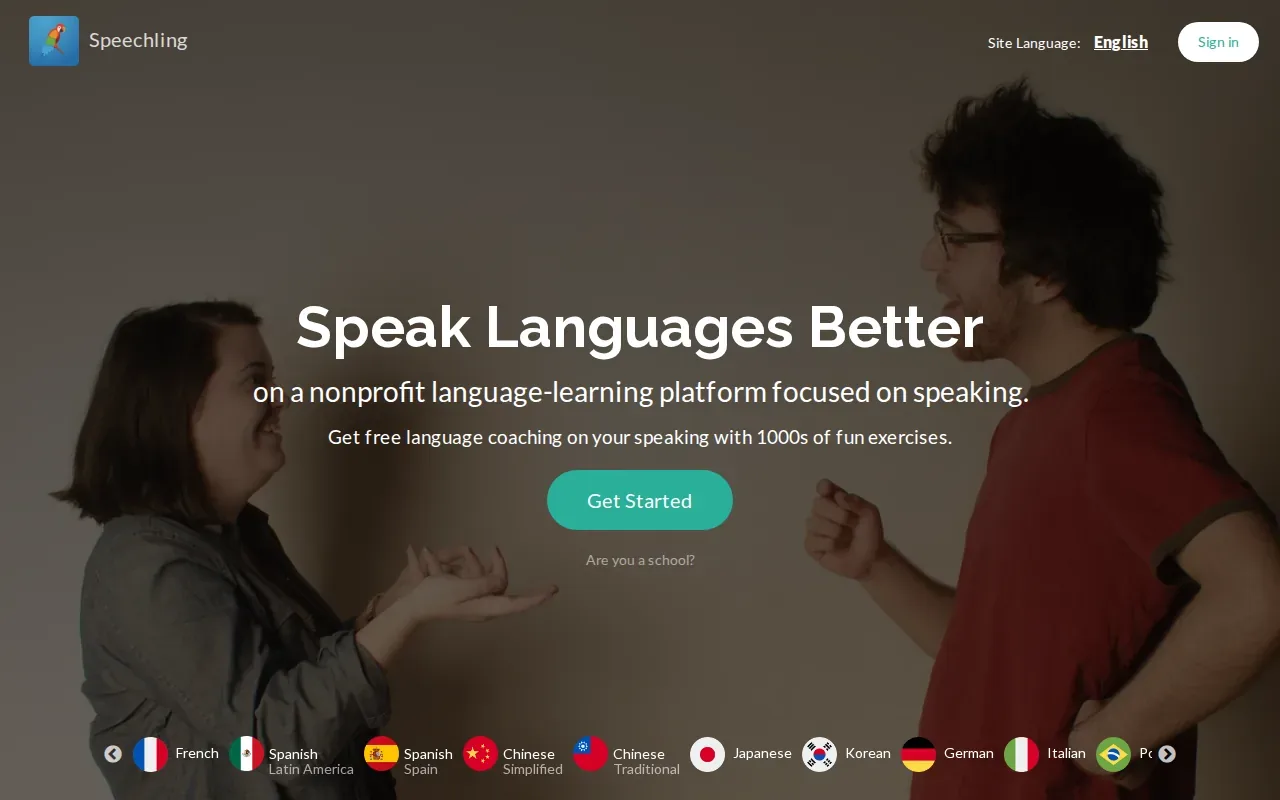
The core loop is simple: listen to a recorded sentence, record yourself saying it, then send the clip for coach feedback. The practice library has sentences with professional voice recordings, so you can copy a full phrase rather than rehearse a sound in isolation.
This can help with an interview answer or a line you need for a work call. A coach can comment on your recording in a way a score may not. The tradeoff is time: feedback isn’t instant.
Use it when you can wait for a person’s review and want sentence-level practice. If you need quick feedback during a short study break, an AI tool may feel easier.
5. Practice Me: AI conversation practice for everyday English
Practice Me is an English speaking app with AI tutors available 24/7. It suits learners who freeze up when they need to speak without a script.
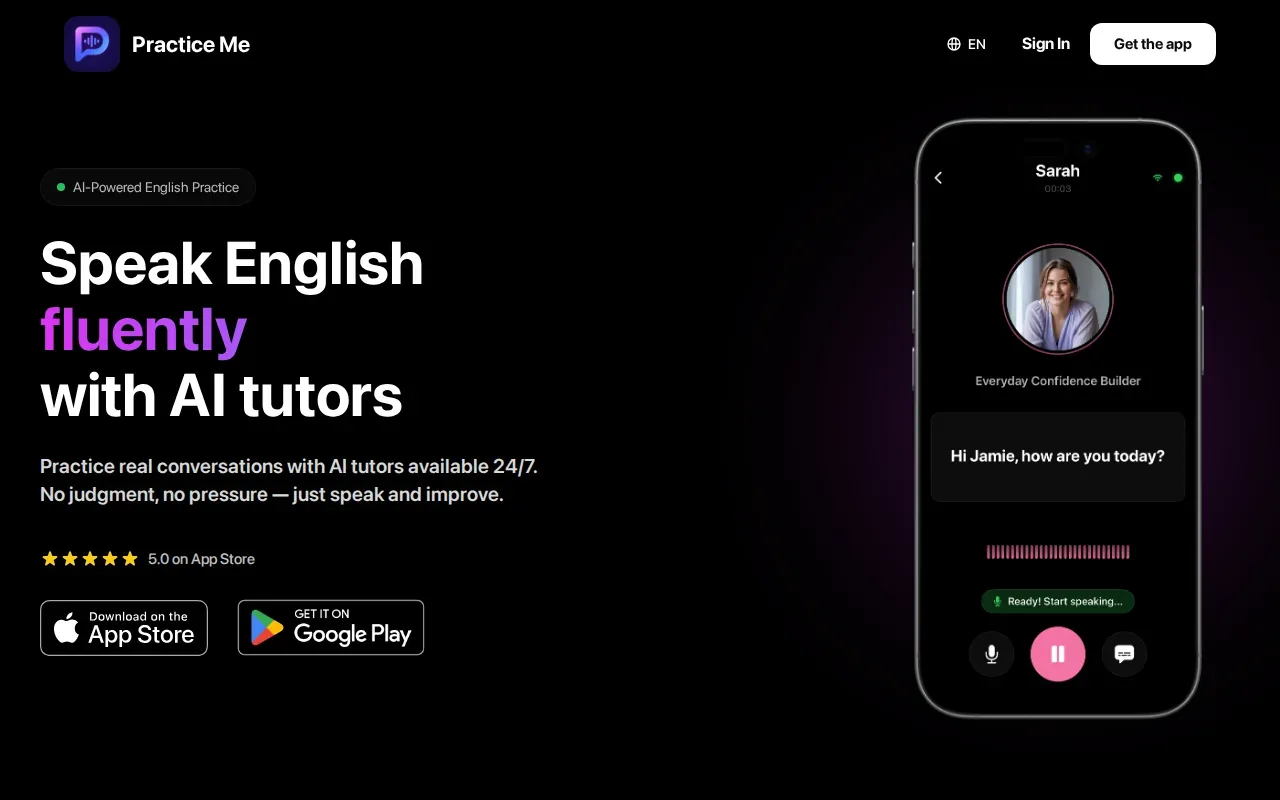
The app supports American and British accents and practice for IELTS, job interviews, and daily conversations. For an interview or everyday conversation, practice saying a complete answer out loud, then note the words or sounds you want to revisit.
Conversation practice gives you time to speak, but it isn’t the same as a focused IPA lesson. Pair it with sound drills if a specific vowel or consonant keeps tripping you up.
6. Pronounce AI: AI-supported English pronunciation practice
Pronounce AI is an AI-based tool for improving the pronunciation of English words. It may suit people who want to work on clearer speech for everyday or work conversations.
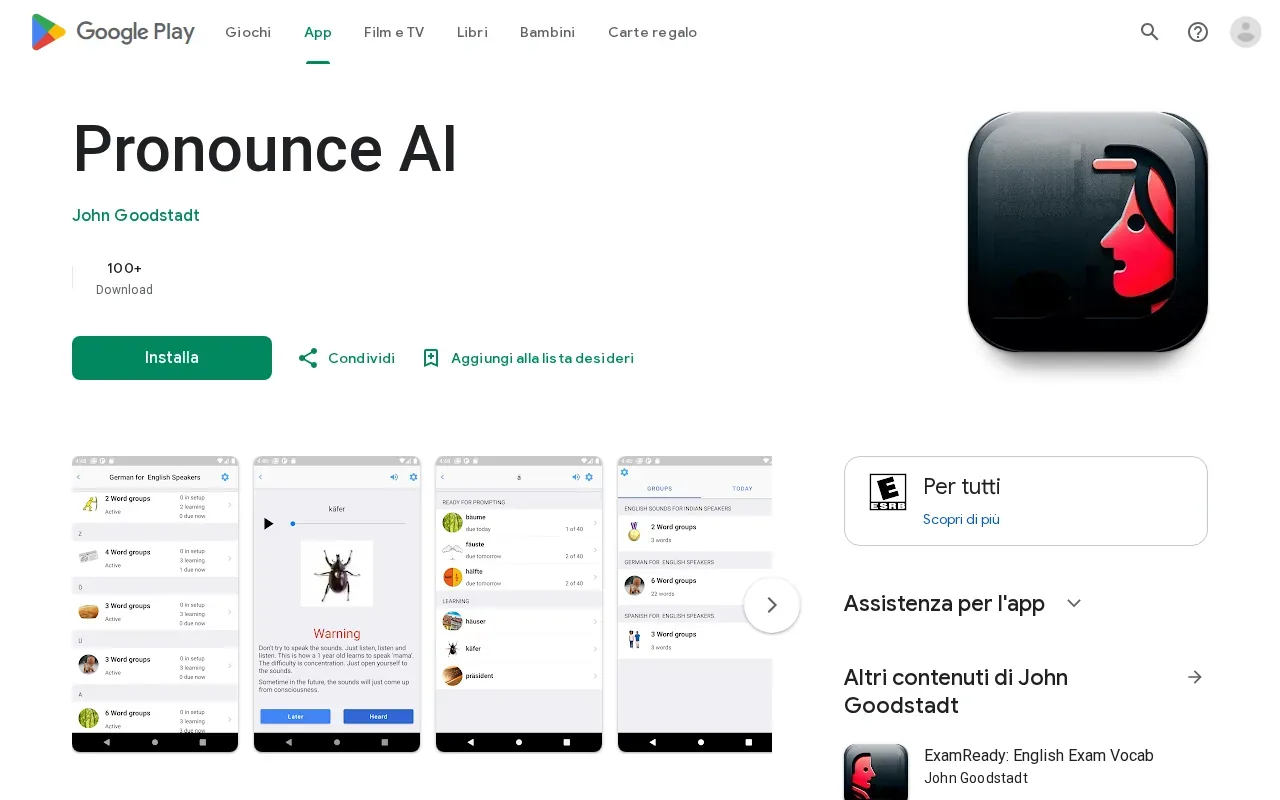
Check the current app listing to see what practice it offers, then try a short session before building a study plan around it. Focus on English words you want to pronounce more clearly and decide whether the practice fits your needs.
7. Pronuncian English Pronounce App by Loc Nguyen: text-based pronunciation help
Pronuncian English Pronounce App by Loc Nguyen is an English pronunciation app. Its listing says it teaches users how to pronounce English text properly.
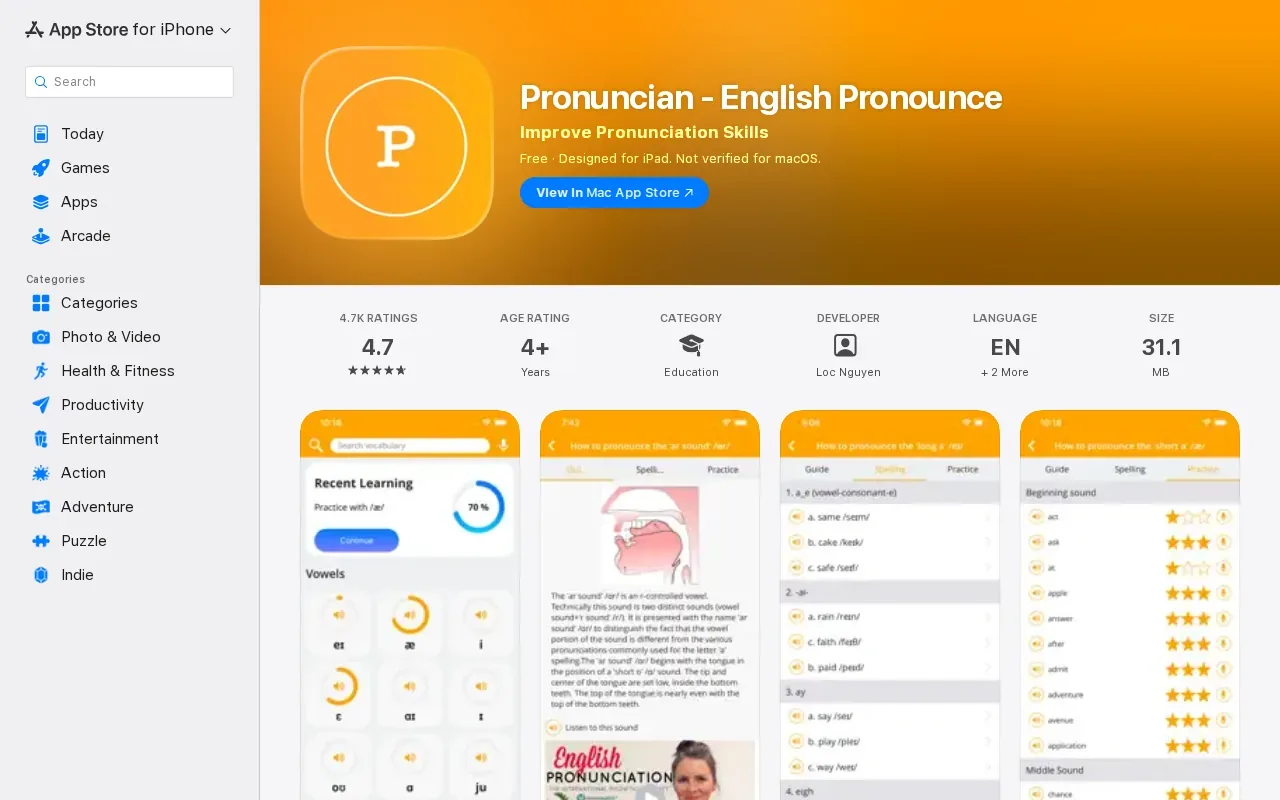
When comparing pronunciation apps, think about what you want to practice and whether an app fits your routine. Start with a short passage, say it aloud, and notice which words or sounds need more attention. Repeating a difficult phrase can help you focus on how it sounds in context.
Use Pronuncian to practice English text, and check the current app details to see whether it matches the kind of pronunciation practice you’re looking for.
8. Forvo Pronunciation Guide: hear words spoken by real speakers
Forvo Pronunciation Guide is a pronunciation reference where you can hear words spoken by native speakers. It’s useful when you want to check how a word sounds in real voices.
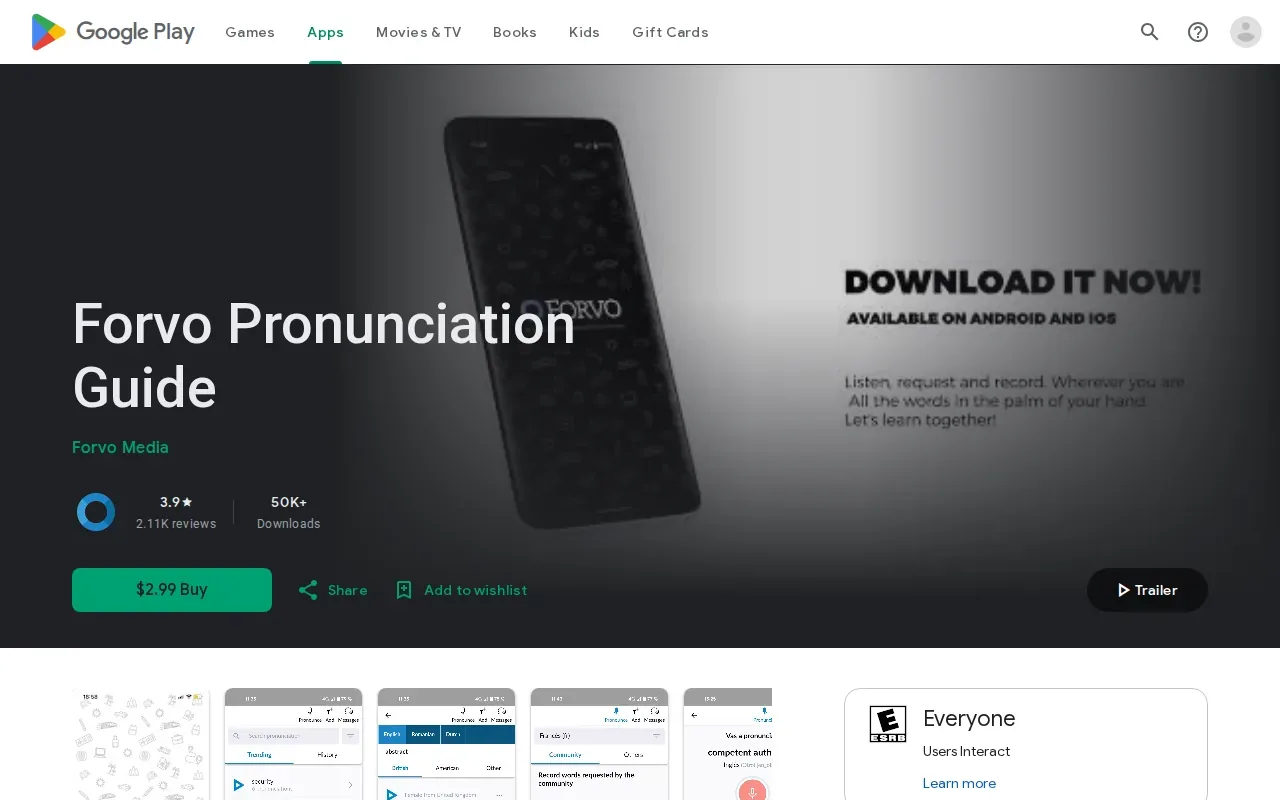
The app lets you search for pronunciations and compare different accents for the same word. It also lets users request or record pronunciations. Its guide covers more than 400 languages, which makes it handy if you switch between languages as you study.
Forvo doesn’t score your attempt or tell you what to change. Use it to hear a model, then repeat the word and compare by ear. That works best for single words and names, not for feedback on stress across a full sentence.
9. Fluent Forever: spaced-repetition vocabulary practice
Fluent Forever is an app for learning any language. It uses spaced repetition, mnemonics, and interactive flashcards to help learners retain what they study.
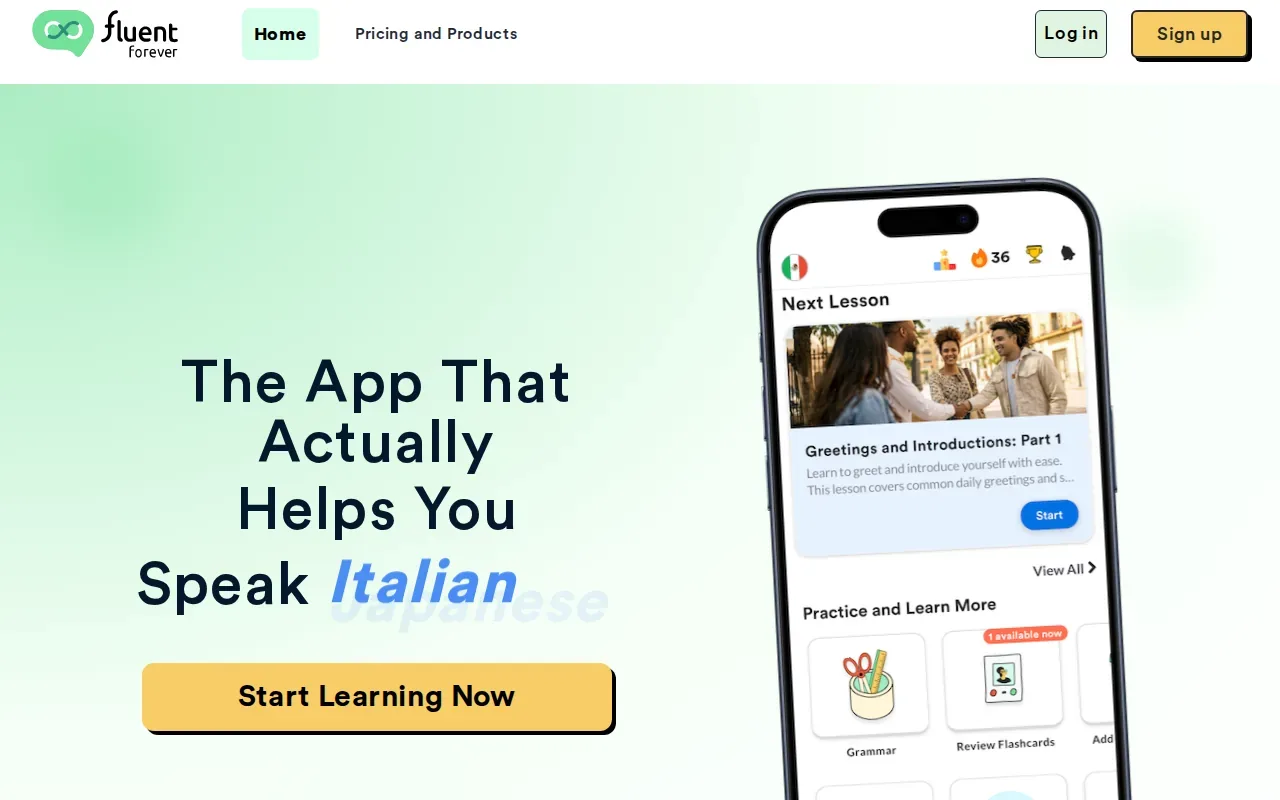
Spaced repetition means reviewing material at intervals to help recall. Fluent Forever combines this approach with mnemonics and interactive flashcards as part of its language-learning method.
This is broader than a pronunciation checker. It may help you retain new words, but don’t expect every session to focus on detailed correction of your English sounds.
If your main need is one sound that causes trouble in meetings, a dedicated pronunciation tool may get you to that practice faster.
10. Pimsleur: structured listening and speaking lessons
Pimsleur is a structured audio language-learning program with lessons that ask you to listen and speak. It suits learners who like guided practice they can fit into a daily routine.
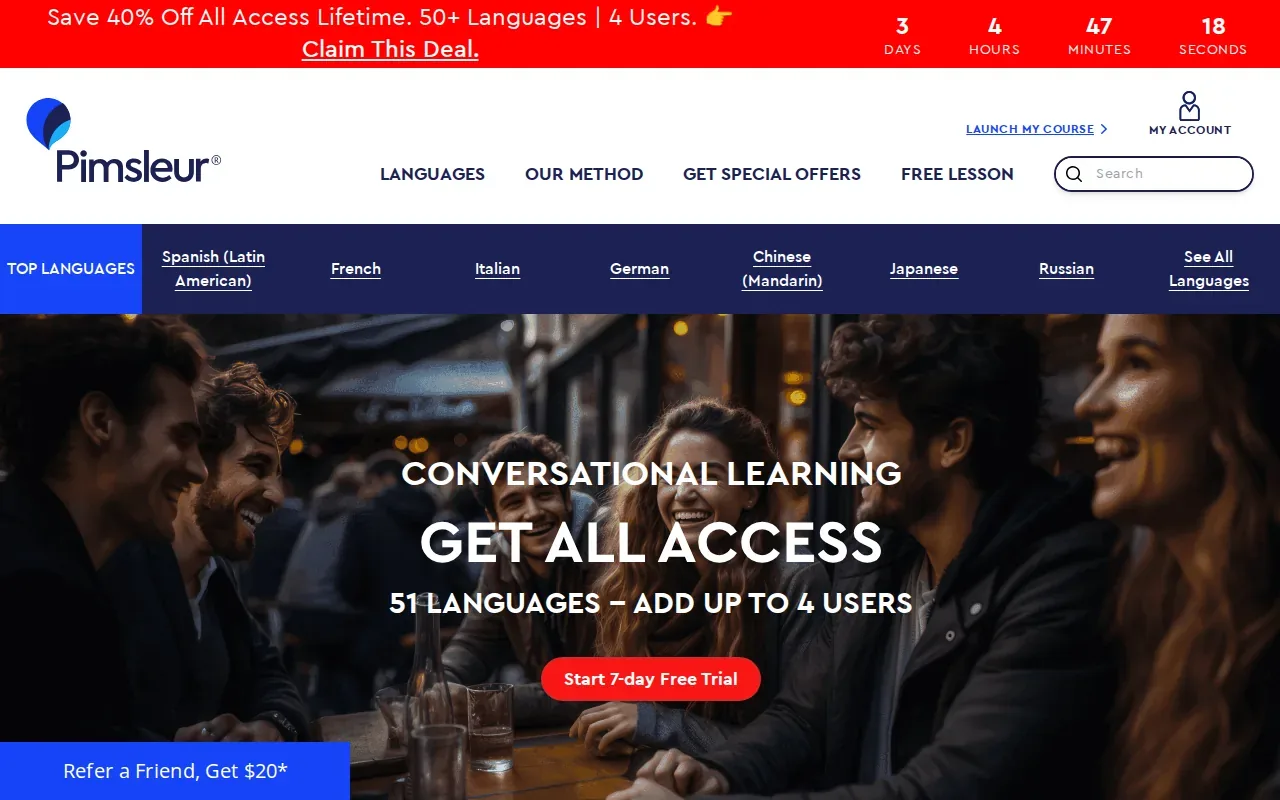
A lesson-based format gives you a set path to follow instead of asking you to pick each word yourself.
Pimsleur is built mainly for learning other languages. Confirm that an English option is available for your account before choosing Pimsleur for English pronunciation practice.
It also isn’t positioned as a dedicated English accent scorer. Think of it as a structured listening and speaking course, not a tool for precise pronunciation diagnostics.
How do the English pronunciation apps compare?
These apps don’t all solve the same problem. Some score speech, some supply examples, and others build a speaking habit. The table shows the clearest fit based on the features described in their listings.
| App | Best use | Feedback style | Accent or sound focus | Cost notes |
|---|---|---|---|---|
| ELSA Speak | Broad English study | AI feedback and scoring | American, British, Australian options | Free access and paid plans |
| BoldVoice | Coach-led accent practice | AI feedback with video lessons | Accent training | Seven-day trial described |
| Speakometer | Word and sound drills | AI feedback with IPA guidance | British and American | Free download, optional subscription |
| Speechling | Recorded sentence practice | Coach feedback | English model recordings | Free daily feedback described |
| Practice Me | Conversation practice | AI tutor feedback | American and British | Three-day trial described |
| Pronounce AI | Live speaking practice | AI feedback after speaking | American and British | Check current terms |
| Pronuncian English Pronounce App by Loc Nguyen | Sound reference | Listen and repeat | American English | Free listing; offline use |
| Forvo Pronunciation Guide | Hear word examples | Self-comparison | Multiple accents and languages | Paid app listing |
| Fluent Forever | Vocabulary and sound learning | Pronunciation lessons and review | Language learning program | Monthly subscription |
| Pimsleur | Guided audio lessons | Listen and speak practice | Depends on language | Trial or lesson availability varies |
For exact sound work, start with Speakometer or Pronuncian. For a person’s comments, try Speechling. If your aim is to speak more often, Practice Me or BoldVoice may fit better. No app score can fully judge how natural your stress and rhythm sound, so use examples and human feedback when those details matter.
Typally solves a different problem: it turns speech into clean text in apps on Windows and Mac, while its coach tracks vocabulary and filler words. It doesn’t score pronunciation.
Which English pronunciation app questions do learners ask?
Which English pronunciation app gives the most detailed feedback?
ELSA Speak and Speakometer describe detailed AI feedback, but they focus on different routines. ELSA combines pronunciation with broader English practice, while Speakometer centers on word and sound drills with IPA guidance. Try the same tricky word in each app, then compare the feedback with its spoken example before deciding which one helps you act on the result.
Can an app help me improve my English accent?
Yes, an English pronunciation app can help you practice target sounds and listen to examples. BoldVoice pairs lessons with AI feedback, while Speakometer lists British and American models. Accent practice won’t tell the whole story, though. Sentence stress and rhythm also shape how natural speech sounds, so add full-sentence practice or a coach when you can.
Are pronunciation apps free?
Some apps have free access or a trial, but the limits differ. ELSA Speak describes free access, Speakometer is free to download with optional subscription features, and Speechling lists daily coach feedback. BoldVoice and Practice Me describe trial periods. Check the current app-store terms, since offers and prices can change by country.
What’s the difference between a pronunciation app and dictation software?
A pronunciation app helps you practice speech, often with sound examples or feedback. Dictation software turns your speech into text. A transcript can show which words the software heard, but it doesn’t explain how to change your pronunciation. Typally is dictation software with tools for reviewing filler words and vocabulary, not an accent-scoring app.
Can I improve pronunciation without an AI score?
Yes. Listen to a clear model, record yourself, then compare the two. Forvo helps you hear word examples, while Pronuncian provides American English sound guides and repeat practice. A coach can give personal feedback too. Use an AI score as one clue, not the only measure of whether your speech is clear.
Conclusion
For focused sound practice, start with Speakometer; for broader AI feedback, try ELSA Speak. If your bigger goal is to write by speaking, Typally turns speech into clean text on Windows or Mac and helps you review filler words and vocabulary.