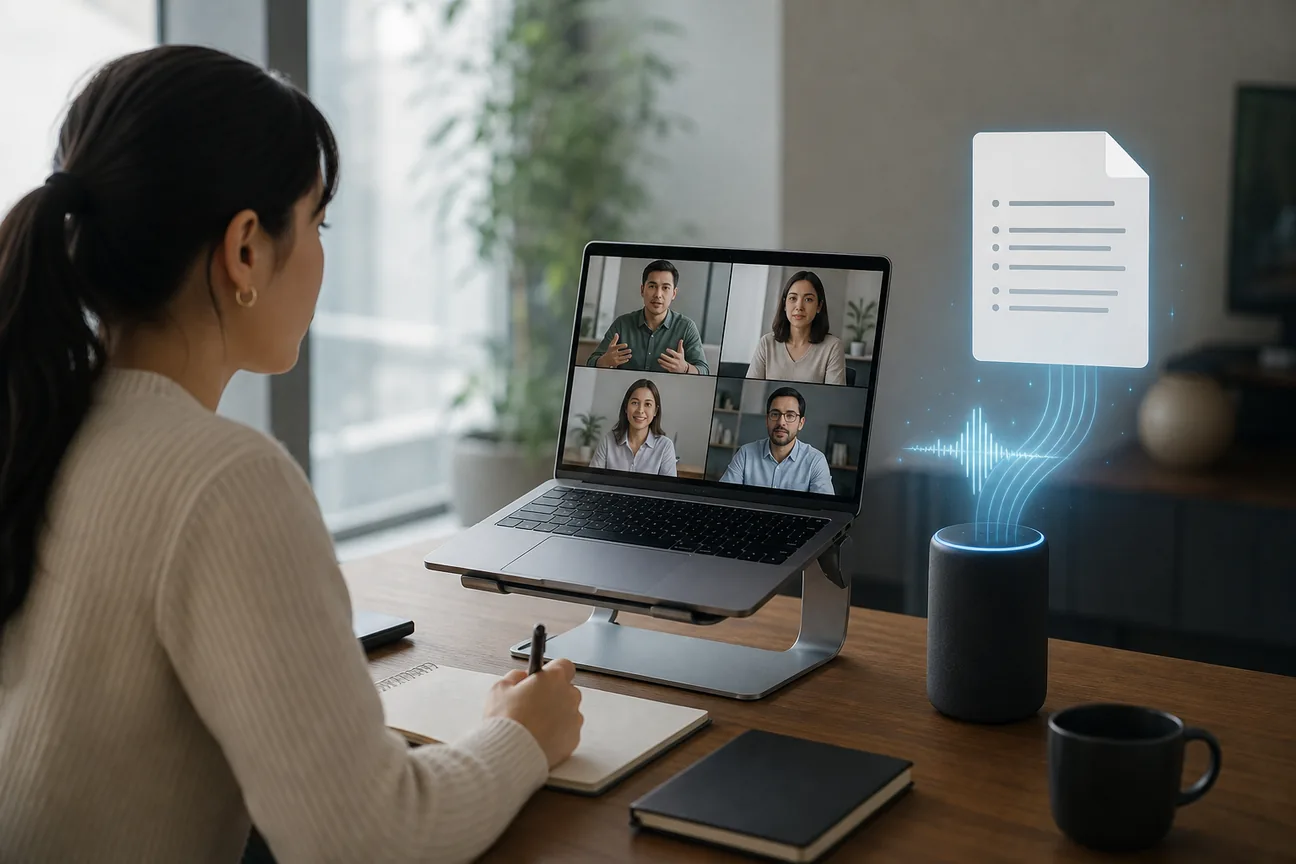
You can say a full thought in one breath, then spend several minutes typing it out. AI meeting notes tools solve a different part of that problem: they capture calls, turn them into summaries, and pull out follow-up tasks. But live transcription is still the exception, not the rule. Here are 10 named options, with the workflow each one fits best.
Table of Contents
- Typally: Fast voice-to-text for notes, prompts, and everyday writing
- Otter.ai: A searchable meeting knowledge base for teams
- Fireflies.ai: Meeting data that flows into sales and productivity tools
- Granola: Private local meeting notes without a meeting bot
- Fathom: Powerful meeting summaries for individuals and small teams
- tl;dv: Compliance-focused recording and meeting notes for enterprises
- Krisp: Noise cancellation and meeting notes for remote workers
- Fellow: Structured agendas, notes, and action items for managers
- Read AI: A searchable knowledge base across meetings and messages
- Sai: Autonomous follow-up for founders and sales teams
- Which AI meeting notes tool is best for your workflow?
- FAQ
1. Typally: Fast voice-to-text for notes, prompts, and everyday writing
Typally is a speech-to-text app for Windows and Mac. It types clean text into the app you already use, so it fits emails, documents, chats, support replies, and long prompts better than a meeting bot.
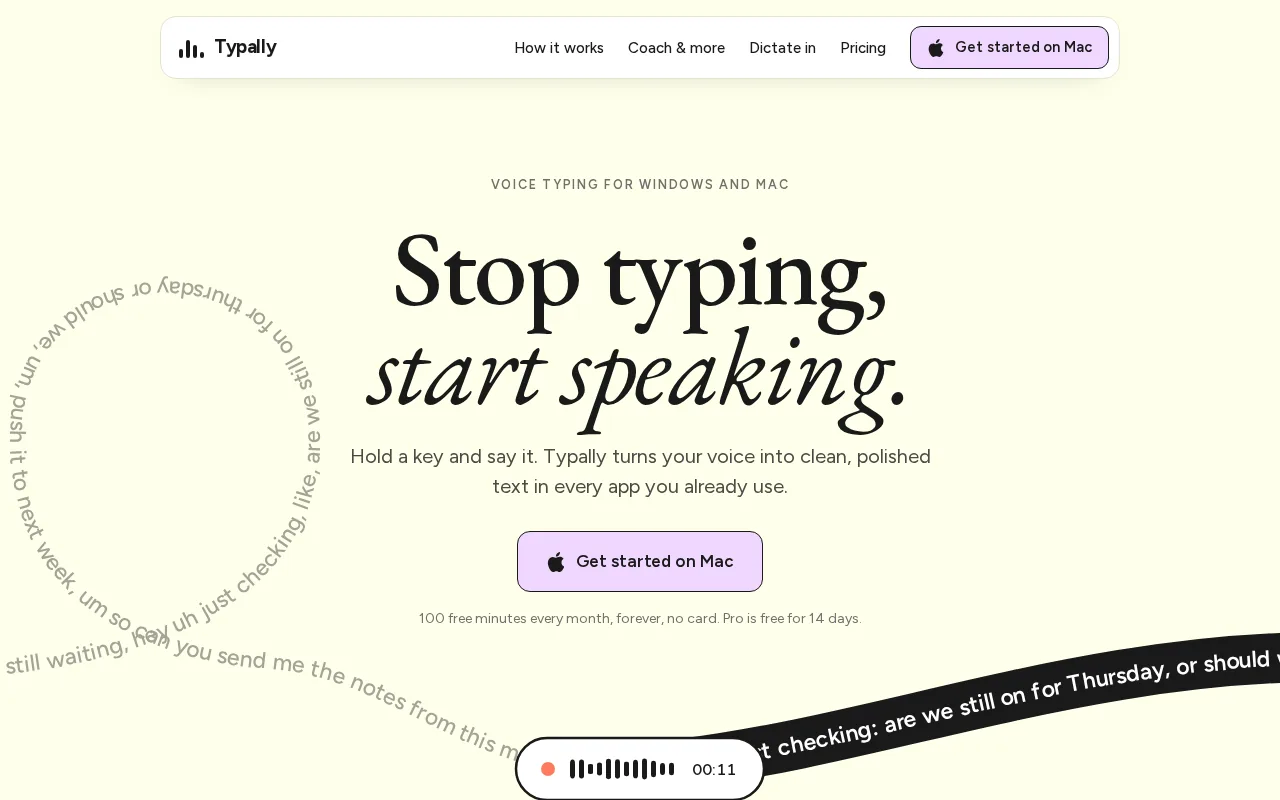
It suits people who want to speak their own notes after a call, rather than invite a bot into every meeting. Hold a key, speak naturally, and Typally cleans up the result. “Hey so um can you send the recap by Friday?” becomes “Can you send the recap by Friday?”
Typally also tracks filler words and vocabulary. That gives you a useful feedback loop if you speak English at work or want to sound clearer in client calls. You can dictate a rough meeting summary, paste it into your CRM, or turn a voice memo into a polished update without switching tools.
It isn't a full meeting archive with speaker labels and automatic call capture. If you need a shared transcript created during a Zoom call, choose a dedicated meeting note taker below. If you mainly need to write faster after the call, Typally is the cleaner fit.
For recorded calls or voice memos, you can also use Typally's free Typally download and keep the final writing step in the same workflow.
2. Otter.ai: A searchable meeting knowledge base for teams
Otter.ai is a strong pick when AI meeting notes need to become shared team knowledge. It records from a desktop device or sends an AI meeting agent into a scheduled call.
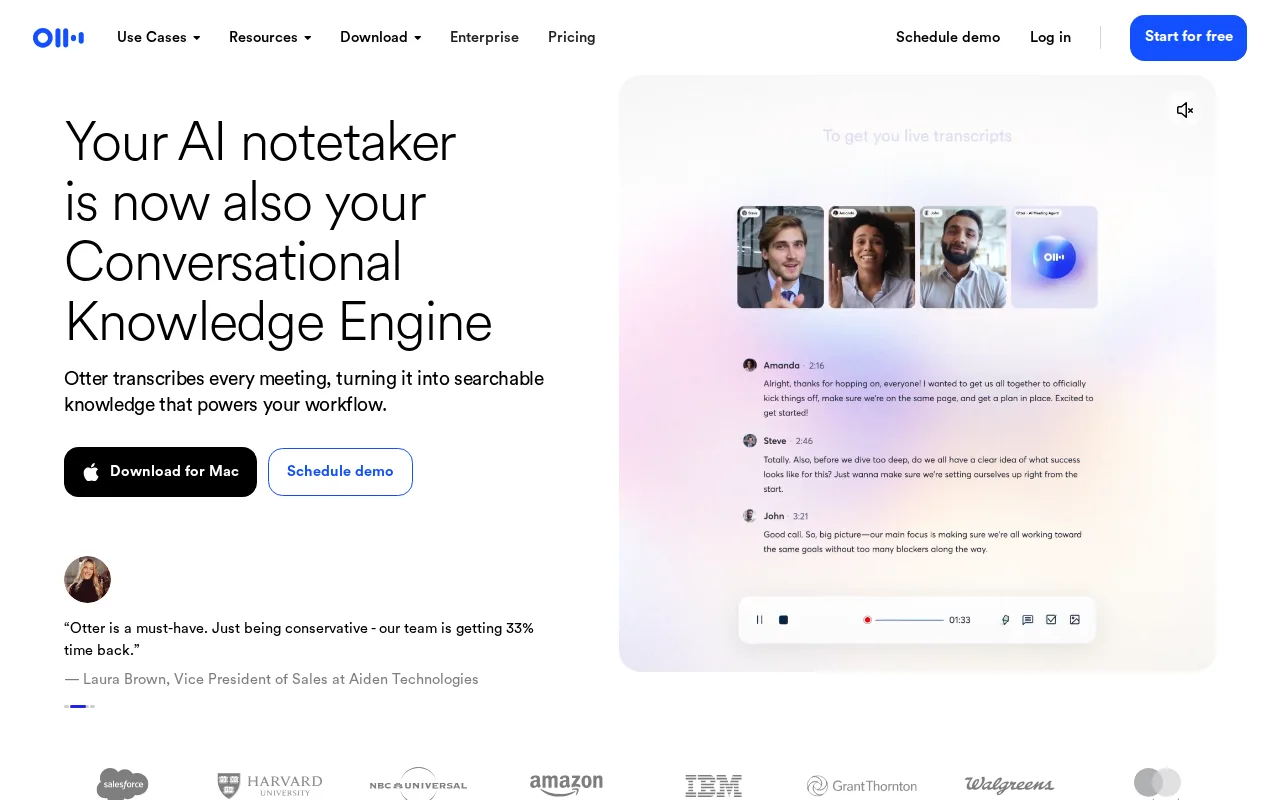
Its standout feature is live transcription. The transcript can show speakers as the conversation happens, which helps during interviews, customer calls, and meetings where you need to check a detail right away.
After the call, Otter.ai turns the transcript into a summary with decisions and action items. Teams can group meetings by project or topic, search old discussions, and collaborate on the same record. Its listed integrations include Jira, Notion, Asana, Salesforce, HubSpot, Snowflake, Outreach, Zapier, Google Calendar, and Outlook.
Otter.ai is a better match for a team library than for private, one-off notes. Its enterprise tier lists HIPAA compliance and SOC 2 Type II. Still, check the exact plan, retention rules, and consent process before recording sensitive calls.
3. Fireflies.ai: Meeting data that flows into sales and productivity tools
Fireflies.ai is built for teams that want meeting notes to move into the systems where work already happens. It can transcribe, summarize, search, and analyze conversations across common meeting platforms.
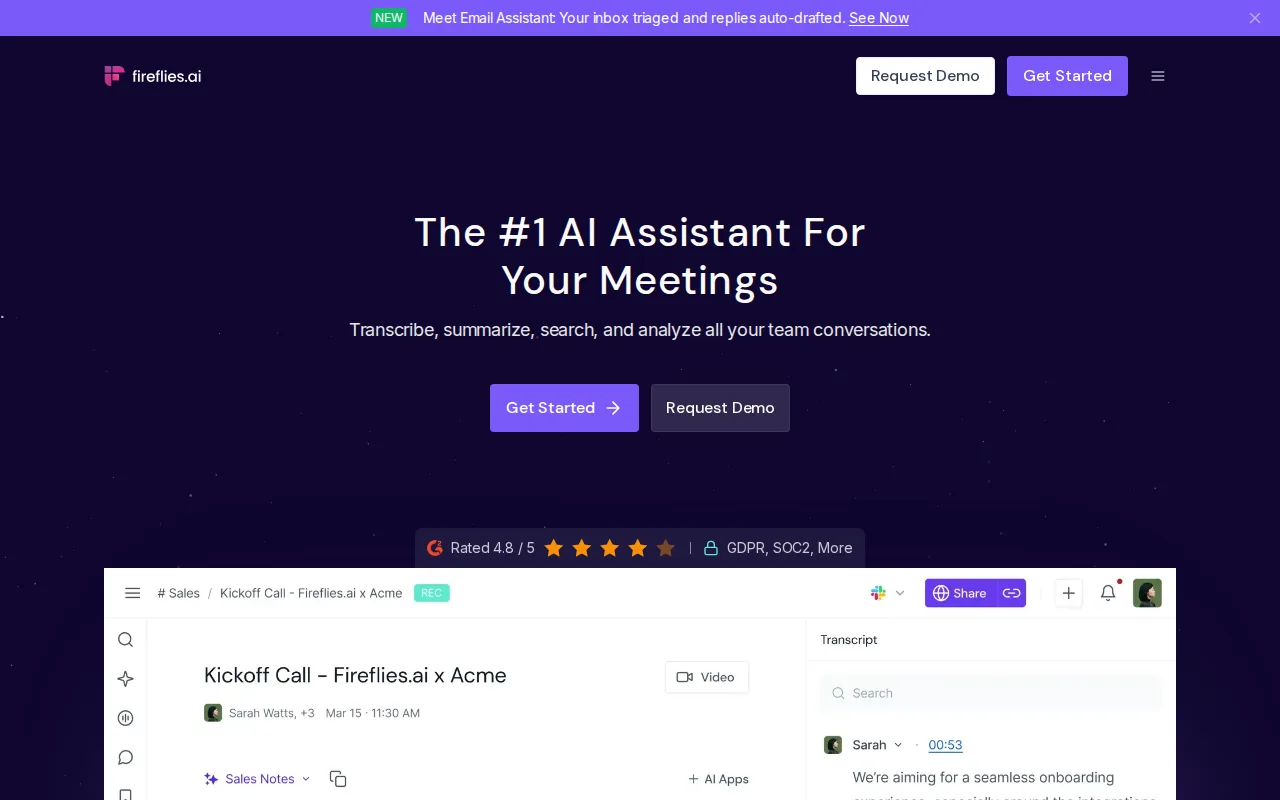
The main reason to consider it is integration depth. Fireflies.ai has more than 50 native integrations, including Salesforce, HubSpot, Slack, Asana, and Notion. That matters when a sales rep currently copies a call summary into a CRM by hand. The note can become part of the customer record instead of sitting in a forgotten transcript folder.
It supports 69 languages.
Fireflies.ai usually joins calls as a meeting assistant, so participants may see it in the call. That can be fine for sales and internal meetings, but it deserves a consent check for client work. It is the better pick when the handoff into CRM or project software matters more than a bot-free setup.
4. Granola: Private local meeting notes without a meeting bot
Granola is aimed at consultants, executives, and anyone who handles trust-sensitive conversations. It captures audio locally on a Mac and produces structured notes without a visible meeting bot joining the call.
That local approach changes the social side of recording. You don't need to explain a new participant in the call window, and the note-taking process stays on your computer during the conversation. Granola also combines your typed notes with the captured audio, which helps when you jot down a decision but miss the exact wording.
The appeal is privacy and control. On-device processing can be a better starting point for a founder's investor call, a consultant's client review, or an executive discussion that shouldn't appear in a shared bot workspace.
The trade-off is platform scope. Granola is a Mac-focused tool, so Windows users should look elsewhere. Local processing also doesn't automatically solve consent, retention, or company policy questions. You still need permission before recording people, even when no bot appears.
5. Fathom: Powerful meeting summaries for individuals and small teams
Fathom is a good fit for individuals and small teams that want powerful features without paying at the start. It offers a free tier for individuals.
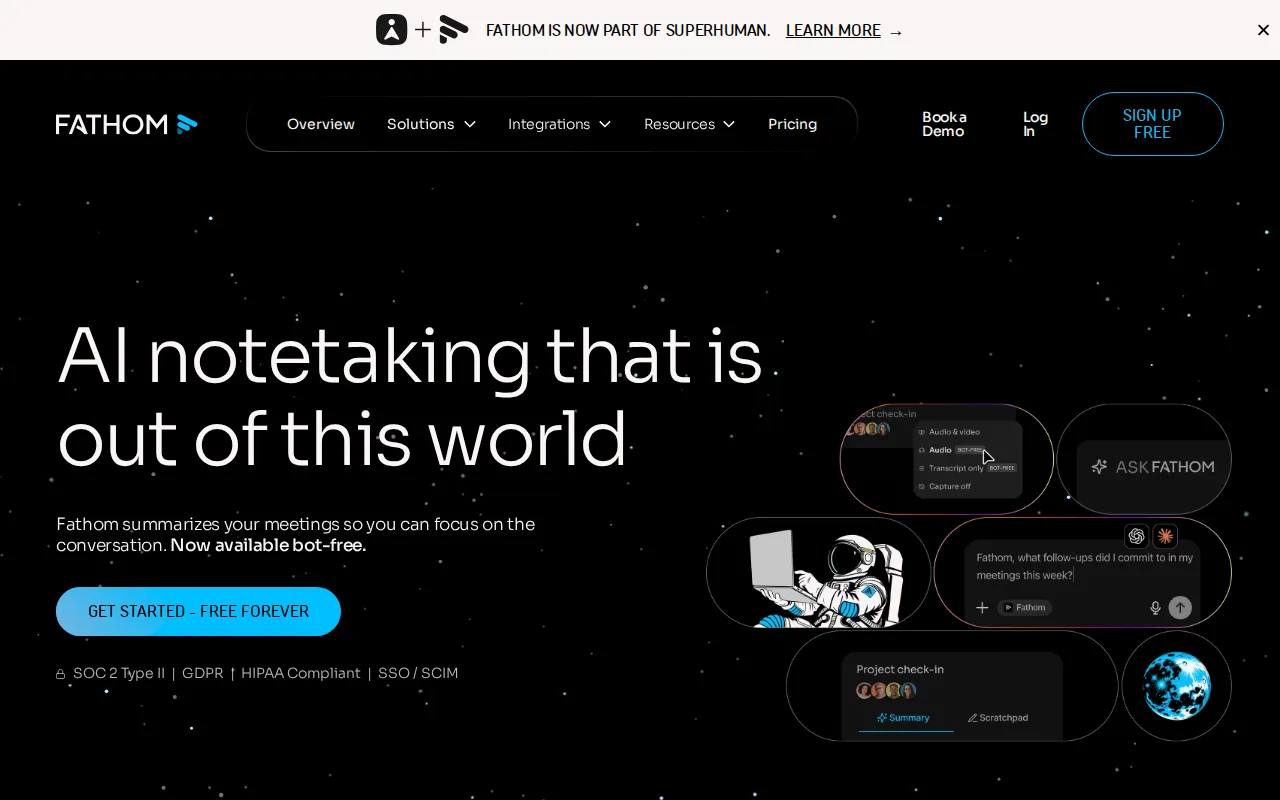
The unusual part is the free tier. Fathom connects with Salesforce, HubSpot, Slack, Google Calendar, and Outlook, so a small sales or customer success team can push follow-up into its normal stack.
You can also ask questions across past conversations and use customizable AI summaries for different workflows. A sales call might need objections and next steps. A project meeting might need decisions and blockers. That kind of format control is more useful than a generic wall of text.
Fathom doesn't provide the live transcription advantage that Otter.ai does. Its strength arrives after the meeting, not as live captions during it. Keep that distinction in mind if you need to check wording while the call is still happening.
Ready to write meeting recaps without typing every word? Hold a key, say it, and get clean text in any app on Windows or Mac.
6. tl;dv: Compliance-focused recording and meeting notes for enterprises
tl;dv is for enterprise teams that need meeting recording with formal compliance requirements. Its main differentiator is SOC 2, HIPAA, and GDPR compliance.

That makes tl;dv worth a look when an IT, legal, or security review is part of the buying process. A meeting note tool isn't only about a clean summary. Your team may need to know who can access the transcript, how long records stay available, and which meeting types should never be captured.
tl;dv combines recording with notes, so the record can support a later review of decisions and commitments. That helps in a handoff where someone missed the call and needs more than a short recap.
Compliance labels don't replace your own checks. Ask about data location, deletion controls, consent notices, admin permissions, and whether raw recordings are kept beside summaries. Enterprise buyers should test those details with a real policy before rollout.
7. Krisp: Noise cancellation and meeting notes for remote workers
Krisp is the usable choice when bad audio is the first problem. It combines noise cancellation with meeting notes, so remote workers can improve the call while capturing the discussion.
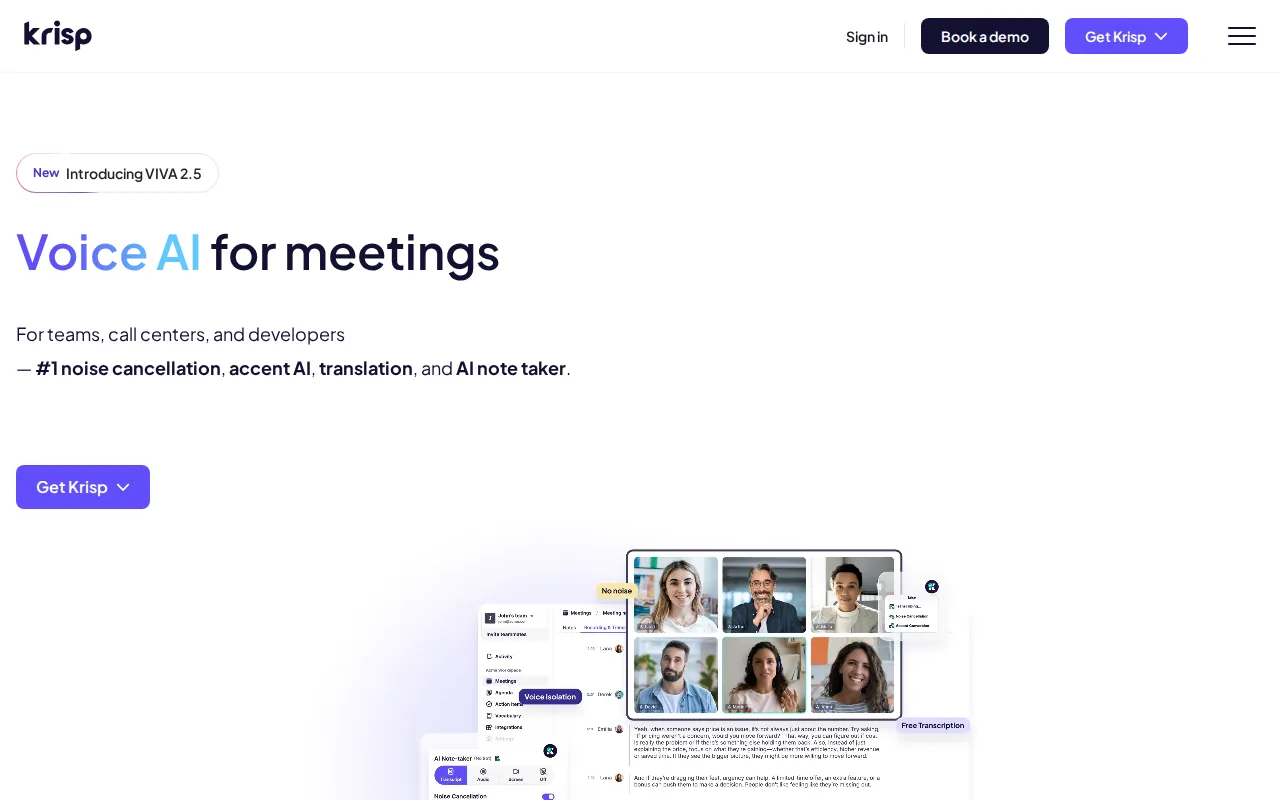
The noise feature removes background noise, echo, and cross-talk. That matters in a home office with a fan, a shared room, or a cafe where the transcript would otherwise struggle. Krisp also provides transcripts, summaries, action items, and CRM updates.
It also supports mobile and desktop capture for meetings that happen away from a normal video call. That gives it a wider use case than tools built only around calendar-based Zoom or Teams meetings.
Krisp can connect with tools such as Slack, HubSpot, Salesforce, and Zapier. It also lists workspace vocabulary support, including terms and abbreviations. If your calls are noisy and full of industry language, test both audio quality and transcript quality before you commit.
8. Fellow: Structured agendas, notes, and action items for managers
Fellow is for managers and team leads who want a meeting system, not only a transcript. It brings agendas, shared notes, action items, and post-meeting follow-up into one workflow.
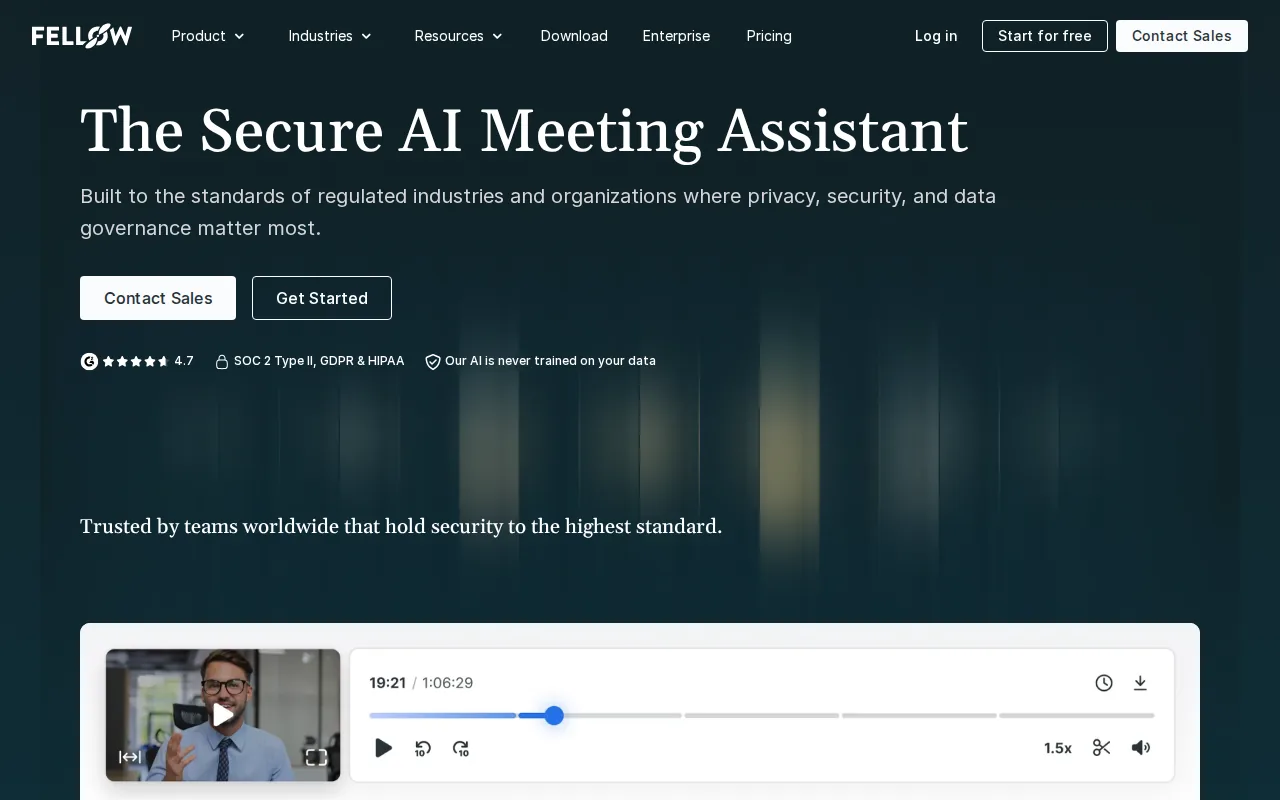
The useful detail is structure. A recurring one-to-one can start with the same agenda each week. During the call, people can add notes together. Afterward, action items can be assigned and tracked instead of being buried in a summary email.
Fellow also supports pre-meeting planning. That helps a manager set the goal before the call, give attendees a place to add topics, and keep the discussion from turning into a loose list of updates. The product's meeting note guidance centers on shared notes that can be edited during and after the meeting.
Choose Fellow when team habits are the problem. If you only need a transcript for personal reference, its broader meeting workflow may feel like more setup than you need. It is strongest for teams that repeat the same meeting types and want consistent records.
9. Read AI: A searchable knowledge base across meetings and messages
Read AI connects meetings with email and messages, making it a fit for growing teams that want one searchable layer across communication. It indexes those sources into a searchable knowledge base.
The cross-channel approach is the key difference. A decision may begin in a meeting, get clarified in email, and end in a chat message. Searching only the transcript misses part of the trail. Read AI aims to index those sources together so you can ask a question without remembering which app held the answer.
Read AI doesn't train on customer data by default. Your review should still cover permissions and retention for each connected source.
Read AI is better for teams that want broad workplace search than for someone who only wants clean voice typing. Keep the scope in mind. More connected data can make answers more useful, but it also makes access rules more important.
10. Sai: Autonomous follow-up for founders and sales teams
Sai is aimed at founders and sales teams that want work handled after the meeting. Sai is a robosecretary that manages an autonomous computer fleet across email, calendars, CRM systems, and browsers.

This is a different category from a standard note taker. Sai focuses on the meeting lifecycle after capture. That can include pre-meeting research, follow-up, and updates across the apps a team already uses.
The benefit is clear when the bottleneck isn't the transcript. Imagine a sales call that ends with three commitments, a CRM update, and a follow-up email. A system built to act on those instructions may save more time than one that produces a slightly nicer summary.
The caveat is equally important: Sai is not positioned as a dedicated transcription tool. It may need to work alongside one. Pick it when autonomous follow-up is the main job, not when live captions or transcript accuracy is your first test.
Which AI meeting notes tool is best for your workflow?
The right choice depends on where the note must live and what happens next. Use this quick view before you start trials.
| Need | Best fit | Watch for |
|---|---|---|
| Speak your own recap into any app | Typally | It isn't a shared live meeting archive |
| Live captions during a call | Otter.ai | Check language, speaker, and plan limits |
| CRM and project tool updates | Fireflies.ai | Confirm bot consent with clients |
| Local, bot-free capture on Mac | Granola | Mac focus limits device choice |
| Free summaries for personal use | Fathom | It lacks the live transcription edge |
| Enterprise compliance review | tl;dv | Verify retention and admin controls |
| Noisy remote calls | Krisp | Test transcript quality with your accent |
| Agendas and manager follow-up | Fellow | More setup than a basic notepad |
| Search across meetings and messages | Read AI | Connected data needs clear permissions |
| Automated post-meeting work | Sai | Pair it with a dedicated transcription tool |
Before recording anyone, get consent and check your company's rules. Microsoft explains how AI voice isolation can filter background noise and other speakers, but cleaner audio does not remove the need for a lawful recording process. For a plain-language overview of the technology behind converting speech into text, see Wikipedia's explanation of speech recognition.
For vendor-specific claims, read the product's current plan and privacy pages. Fireflies.ai offers integrations. Otter.ai is the one to test first if live transcription is a hard requirement.
FAQ
What are AI meeting notes?
AI meeting notes are transcripts, summaries, decisions, and action items generated from a recorded conversation. A tool may join a video call as a bot, capture audio from your device, or work from an uploaded file. The useful output is the part you can search and turn into assigned work after the meeting.
Which tool has live transcription?
Otter.ai is the clearest pick for live transcription in this shortlist. It can show a transcript while the call is happening, with speaker recognition and multiple language support. Many other AI meeting notes tools create the transcript after the meeting, so test the live view yourself before choosing based on a marketing label.
Are free AI meeting notes tools available?
Yes, most tools in this list have a free offering, but the limits vary. Fathom offers unlimited individual use on its free plan, while Read AI lists five meeting transcripts per month and Otter.ai lists a free allowance measured in monthly minutes. Check storage, integrations, exports, and retention before comparing “free” plans.
Are AI meeting notes private?
Privacy depends on the tool and its settings. Granola processes audio locally on a Mac, Fathom says it encrypts data and doesn't sell customer data, and Otter.ai lists enterprise compliance controls. You still need to check consent, access, deletion, and retention rules for your own meetings.
Can AI meeting notes create action items?
Yes, many AI meeting notes tools extract action items from the transcript and summary. Some can assign follow-up work or push it into a CRM or project tool. Treat the result as a draft, though. Read each task before sending it because names, owners, dates, and commitments can be misheard.
Is Typally a meeting transcription tool?
Typally is best for speaking clean text into any app on Windows or Mac, rather than maintaining a shared meeting archive. Use it to write a recap, follow-up email, or CRM update after a call. If you need automatic capture during the meeting, choose a dedicated note taker and use Typally for the final polish.
For most people who want to write faster after calls, start with Typally. Download the free plan, hold a key, and dictate your next recap into the app where the work already lives. If you need live captions or a searchable team archive, trial Otter.ai instead.